

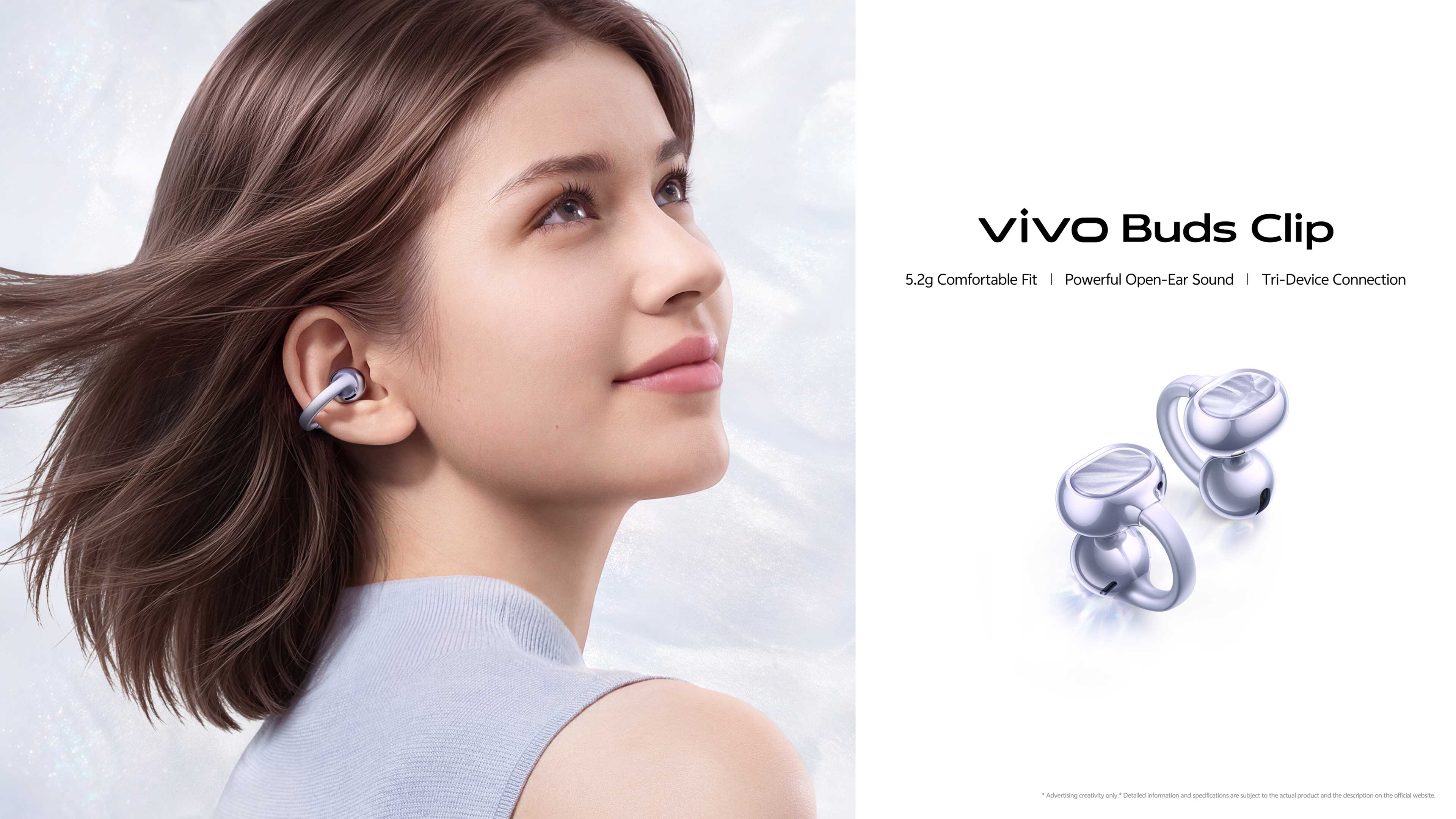
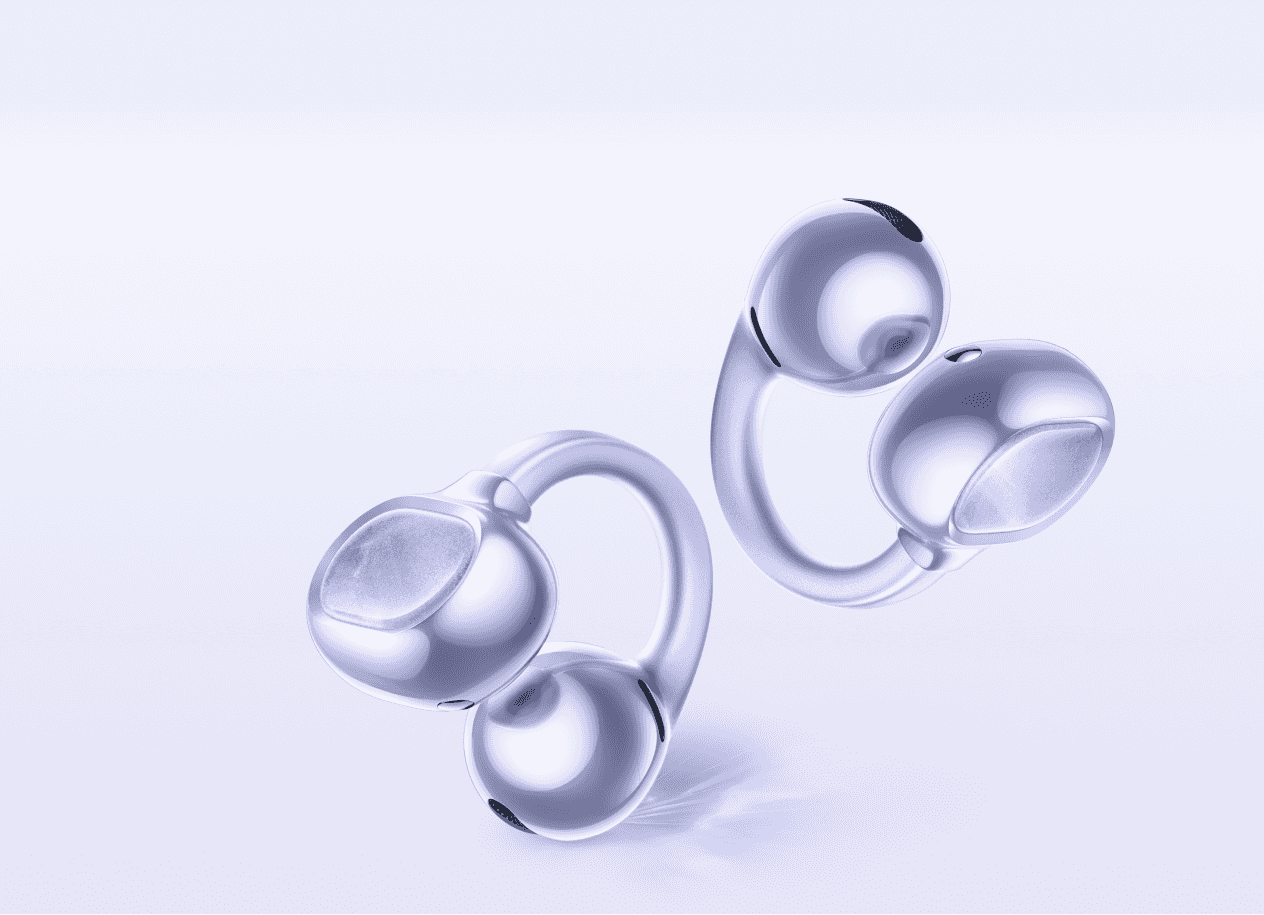

Natural Glow
Aesthetic Design
Mother-of-Pearl Texture Accent

5.2g Secure Fit
Featherlight Comfort
Cloud-Fit Connector
Bridge
Cloud-Fit Connector
Bridge
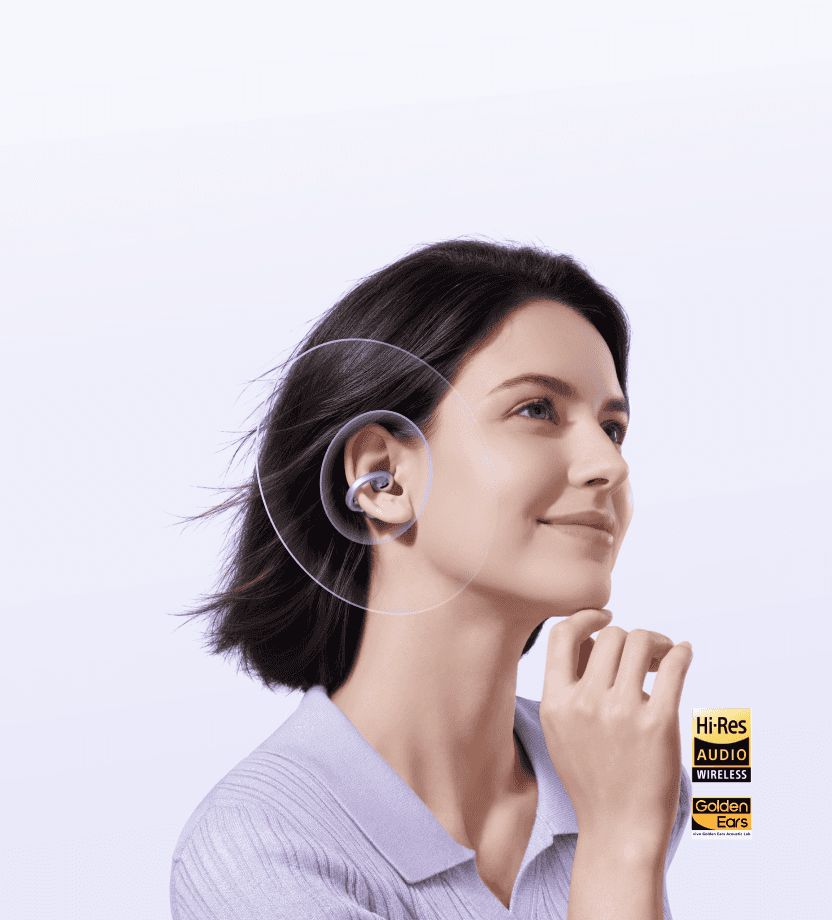
AI Clear Calls
Dual-Mic + VPU Al Call
Noise Cancellation
Noise Cancellation

Powerful Open-Ear Sound
Innovative Speaker Design
12mm High-Performance Driver
Hi-Res Wireless Audio
12mm High-Performance Driver
Hi-Res Wireless Audio
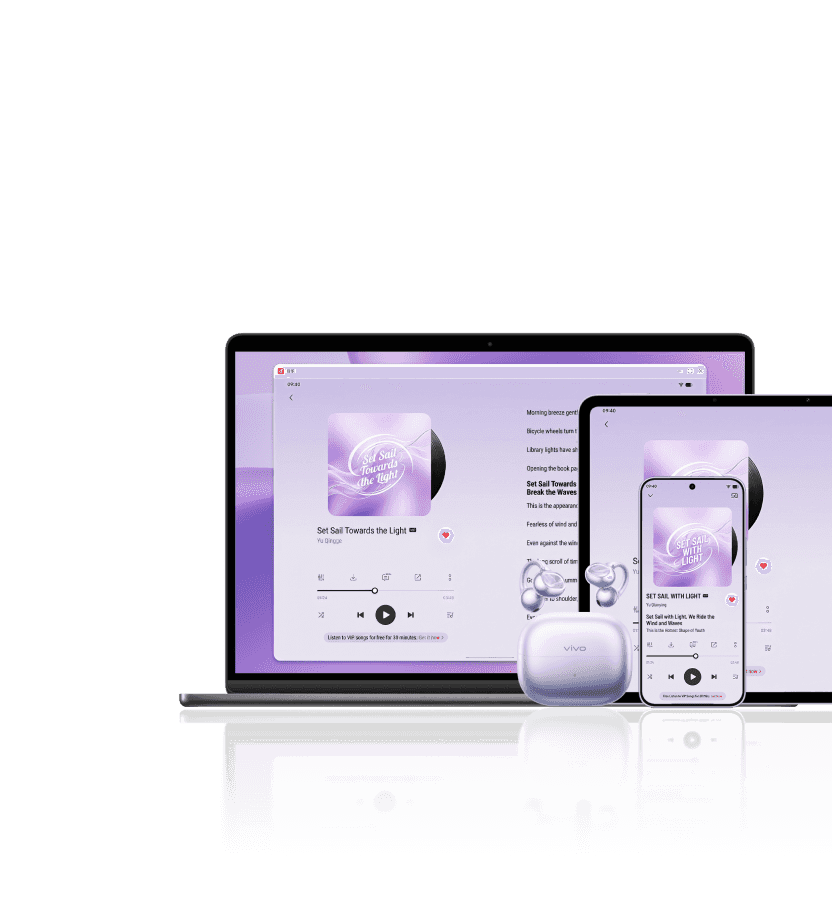
Tri-Device Connection
Multi-Device Management
7



Meet vivo Buds Clip.
Shine on Your Journey.
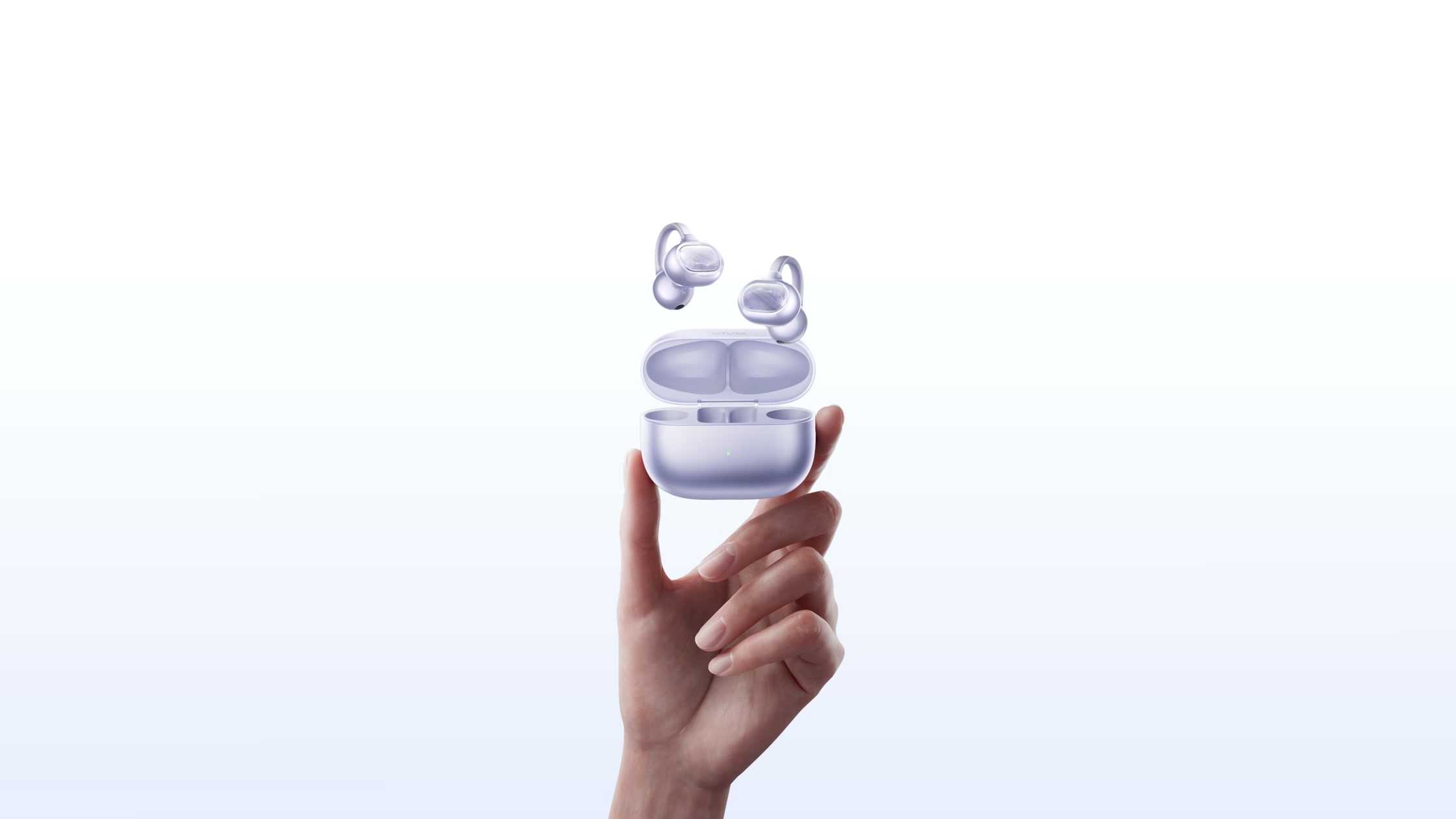



DESIGN
Wear Light.
Stand Out.
DESIGN
Wear Light.
Stand Out.


Find a color
that
speaks
to you.


Aurora Purple
Aurora-inspired bands of purple flow across the night sky, shifting with the viewing angle and revealing changing light.
Aurora Purple
Aurora-inspired bands of purple flow across the night sky, shifting with the viewing angle and revealing changing light.
Moonlight White
A soft, cool silver-white moonlit glow, quiet yet luminous.
Stardust Black
Subtle starlight emerges from a deep night-sky hue, understated yet distinctive.


Aurora Purple
Moonlight White
Stardust Black
Aurora-inspired bands of purple flow across the night sky, shifting with the viewing angle and revealing changing light.
A soft, cool silver-white moonlit glow, quiet yet luminous.
Subtle starlight emerges from a deep night-sky hue, understated yet distinctive.


5.2g Comfortable and Secure Fit1
Clip it on,
style comes easy.
style comes easy.
Like understated jewelry, it rests gently on your ear for lightweight comfort during extended wear.
Ergonomic Design
Modeled on 2,000+ real ear shapes for balanced comfort during extended wear, the breathable open-ear design keeps ears cool and blends audio with ambient sound, letting you converse with your earbuds on.

Automatic Left-Right Ear Detection
The symmetrical industrial design lets you pick up either earbud and enjoy great sound in either ear, without checking left or right.

How to Wear
1. Identify Front and Back
Acoustic Ball in front, Balance Bean behind—outlet facing in.
2. Gently Open the Connector Bridge
Slide over your outer ear, then release the bridge.
3. Adjust for a Secure Fit
Rotate slightly until snug, aligning the speaker port
with your ear canal.
Acoustic Ball in front, Balance Bean behind—outlet facing in.
2. Gently Open the Connector Bridge
Slide over your outer ear, then release the bridge.
3. Adjust for a Secure Fit
Rotate slightly until snug, aligning the speaker port
with your ear canal.




Discover
more details.
more details.

Mother-of-Pearl
Texture Accent
Inspired by natural mother-of-pearl, the specially processed celluloid decorative panel features naturally random patterns and a distinctive sheen.

Cloud-Fit
Connector Bridge
The light, resilient, flexible memory titanium alloy bridge has an arched shape that resists deformation and loosening through repeated opening and closing.

Mother-of-Pearl
Texture Accent
Inspired by natural mother-of-pearl, the specially processed celluloid decorative panel features naturally random patterns and a distinctive sheen.

Cloud-Fit
Connector Bridge
The light, resilient, flexible memory titanium alloy bridge has an arched shape that resists deformation and loosening through repeated opening and closing.
SOUND
Hear Pure.
Feel Real.
Feel Real.

Powerful Open-Ear Sound
Rich vocals,
deeper immersion.
deeper immersion.
Powered by a 12mm high-performance driver and innovative dual-parallel voice coils, it reaches an ultra-large 0.8mm amplitude. Enjoy punchy sound and crystal-clear vocals, all with an open-ear fit.

2-Mic + VPU AI Call Noise Cancellation
Clear conversations, even in the city.
A dual-mic array uses beamforming and AI noise reduction to focus on your voice and reduce traffic, keyboard, and horn noise. Bone-Conduction VPU Technology captures your voice directly through bone vibrations, reducing strong wind and airborne noise interference. Together, they help make calls clear and effortless on subways, busy streets, or in windy conditions.
2

2-Mic + VPU AI Call Noise Cancellation
Clear conversations,
even in the city.
even in the city.
A dual-mic array uses beamforming and AI noise reduction to focus on your voice and reduce traffic, keyboard, and horn noise. Bone-Conduction VPU Technology captures your voice directly through bone vibrations, reducing strong wind and airborne noise interference. Together, they help make calls clear and effortless on subways, busy streets, or in windy conditions.
2
Personalized Sound Modes3
Great sound,
tuned for your surroundings.
tuned for your surroundings.
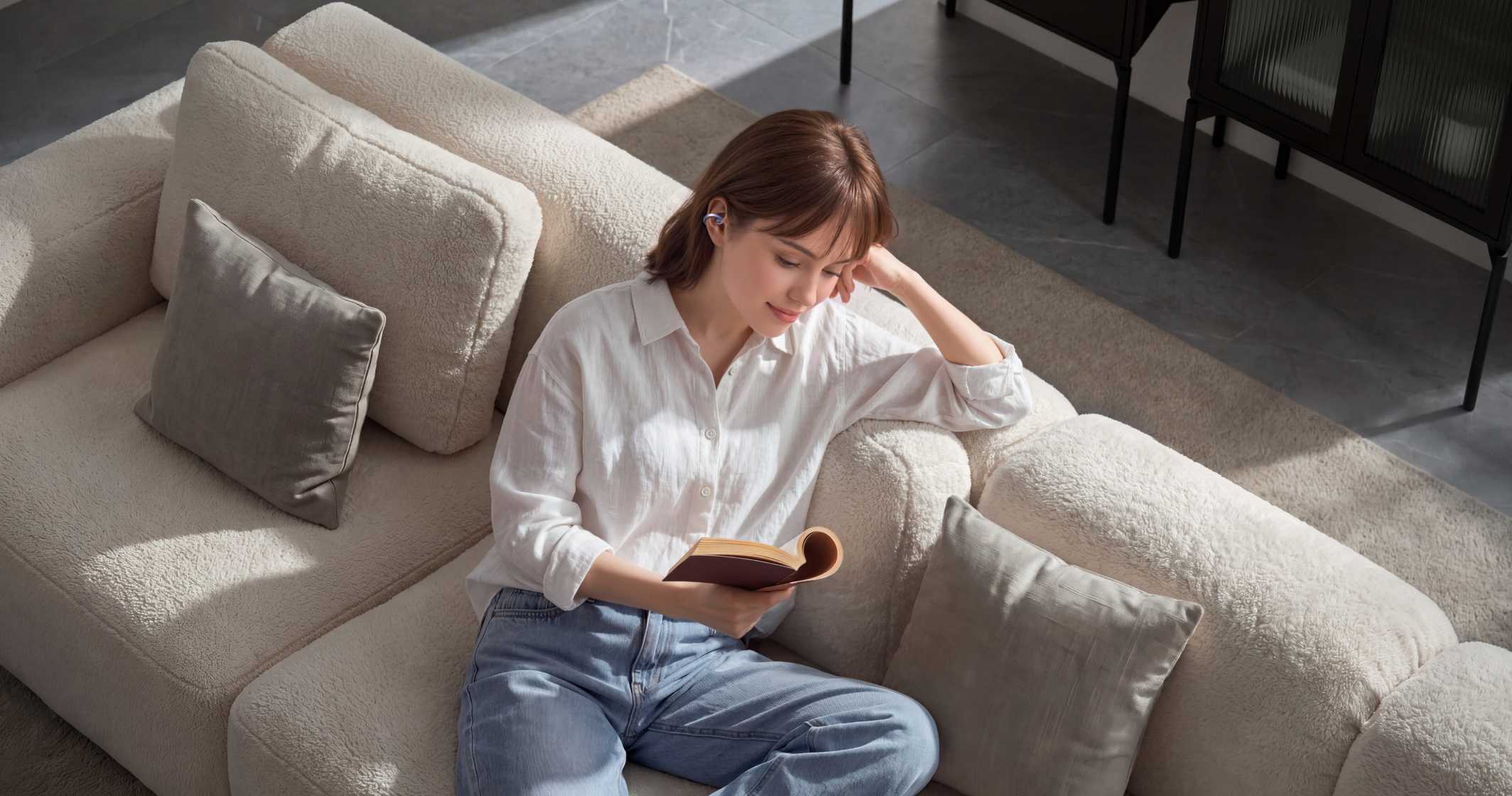
Balanced Mode
Natural, balanced open-ear sound balances sound quality and power consumption in quiet or moderately noisy settings, with an unforced, comfortable sound for extended listening at home, in the office, or while reading.

Vocal Enhancement Mode
It dynamically boosts midrange and treble frequencies that human hearing is sensitive to and adjusts dynamic range to help vocals, dialogue, and instrumental details cut through ambient noise for clear, immersive listening on subways, streets, or in cafés.

Leakage Prevention Mode
Directional audio technology and algorithms reduce sound leakage for clear listening with less disturbance in offices, libraries, or elevators.
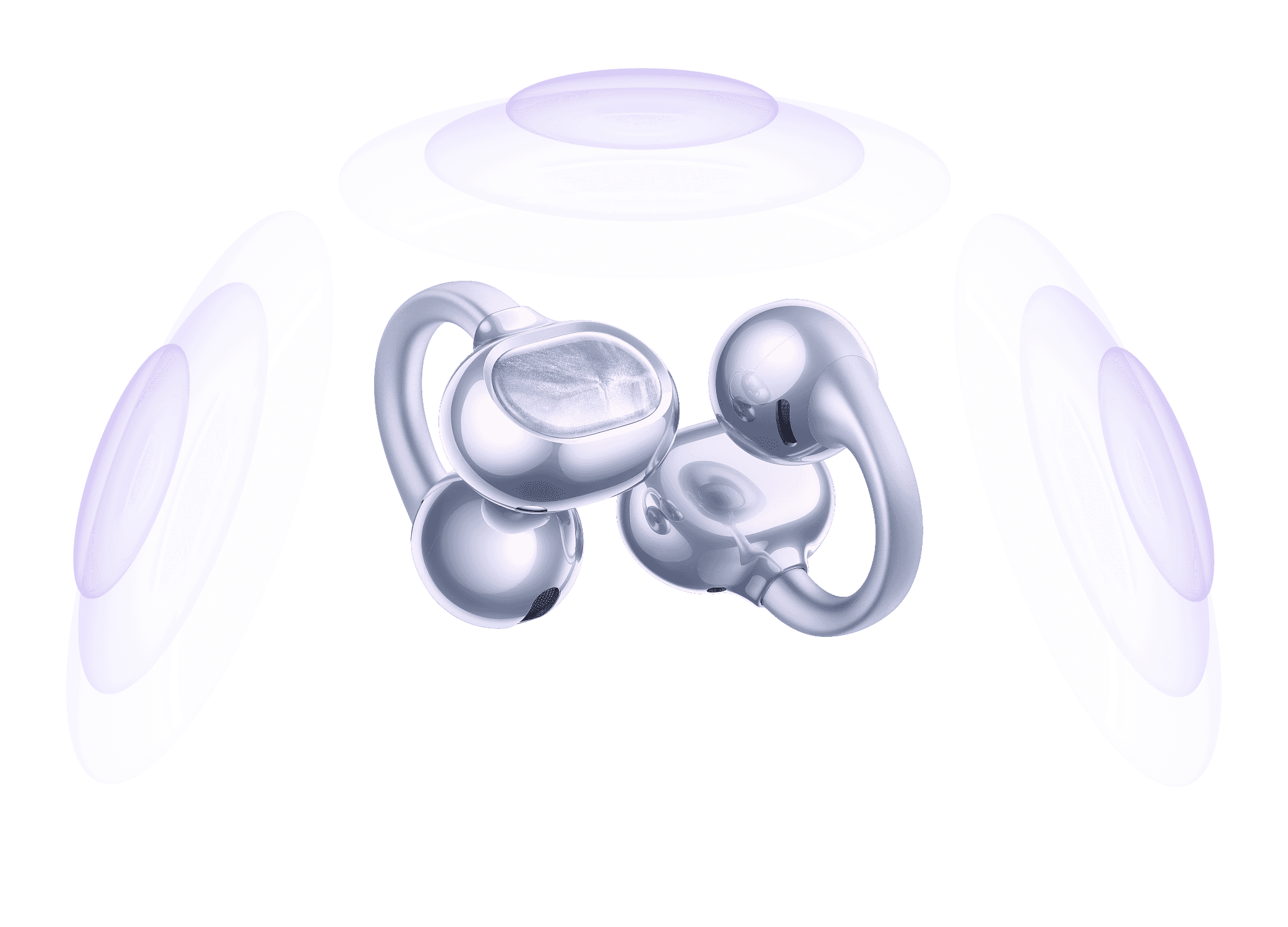
Spatial Audio4
Panoramic sound, pure immersion.
Transforms any audio into an expansive 3D soundfield, featuring four tailored modes—Theater, Concert Hall, Recording Studio, and Live Concert—for true-to-life immersion in every scene.
Custom Sound Effect5
Adjust 10 independent frequency bands for bouncier bass or brighter vocals, tuning the sound to your playlist, mood, and listening habits.

Adaptive Volume6
It senses your surroundings in real time and intelligently adjusts volume for clearer sound on bustling subways or in busy restaurants.

Custom Sound Effect5
Adjust 10 independent frequency bands for bouncier bass or brighter vocals, tuning the sound to your playlist, mood, and listening habits.
Adaptive Volume6
It senses your surroundings in real time and intelligently adjusts volume for clearer sound on bustling subways or in busy restaurants.

EXPERIENCE
Stay On.
Sync Easy.
EXPERIENCE
Stay On.
Sync Easy.
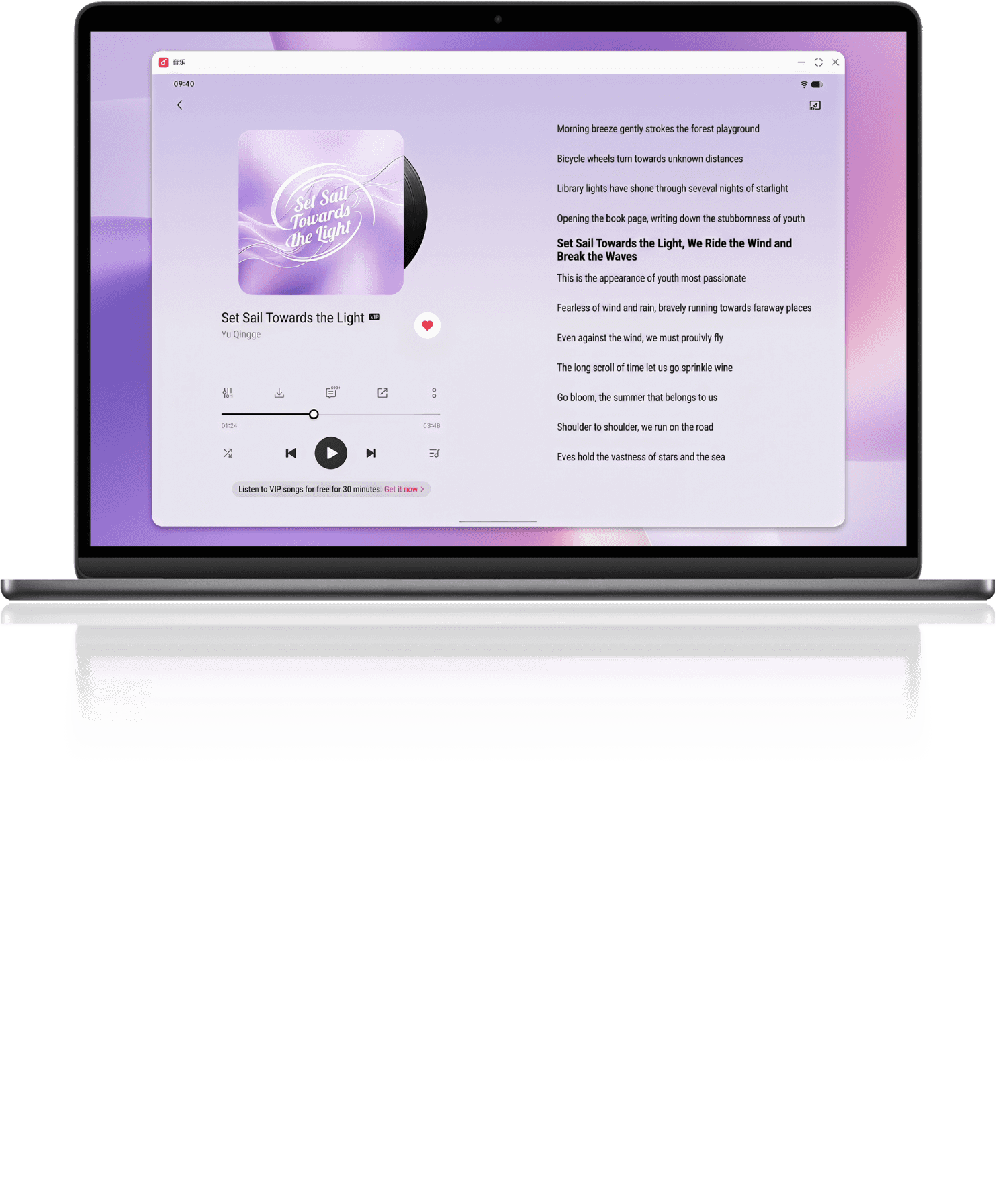
Seamless Tri-Device Connectivity across Ecosystems
Three devices, switch with ease.
Connect up to three Android or Apple devices, including phones, tablets, and computers. Switch smoothly between computer meetings, phone calls, and tablet entertainment to keep work and leisure in sync. Multi-Device Management enables easy, single-tap switching and connecting in the vEarphones app.
7
*Fully compatible vivo/iQOO phones can use this feature directly without the vEarphones app. It requires devices running Android 13 or later, or iOS 14.0 or later.


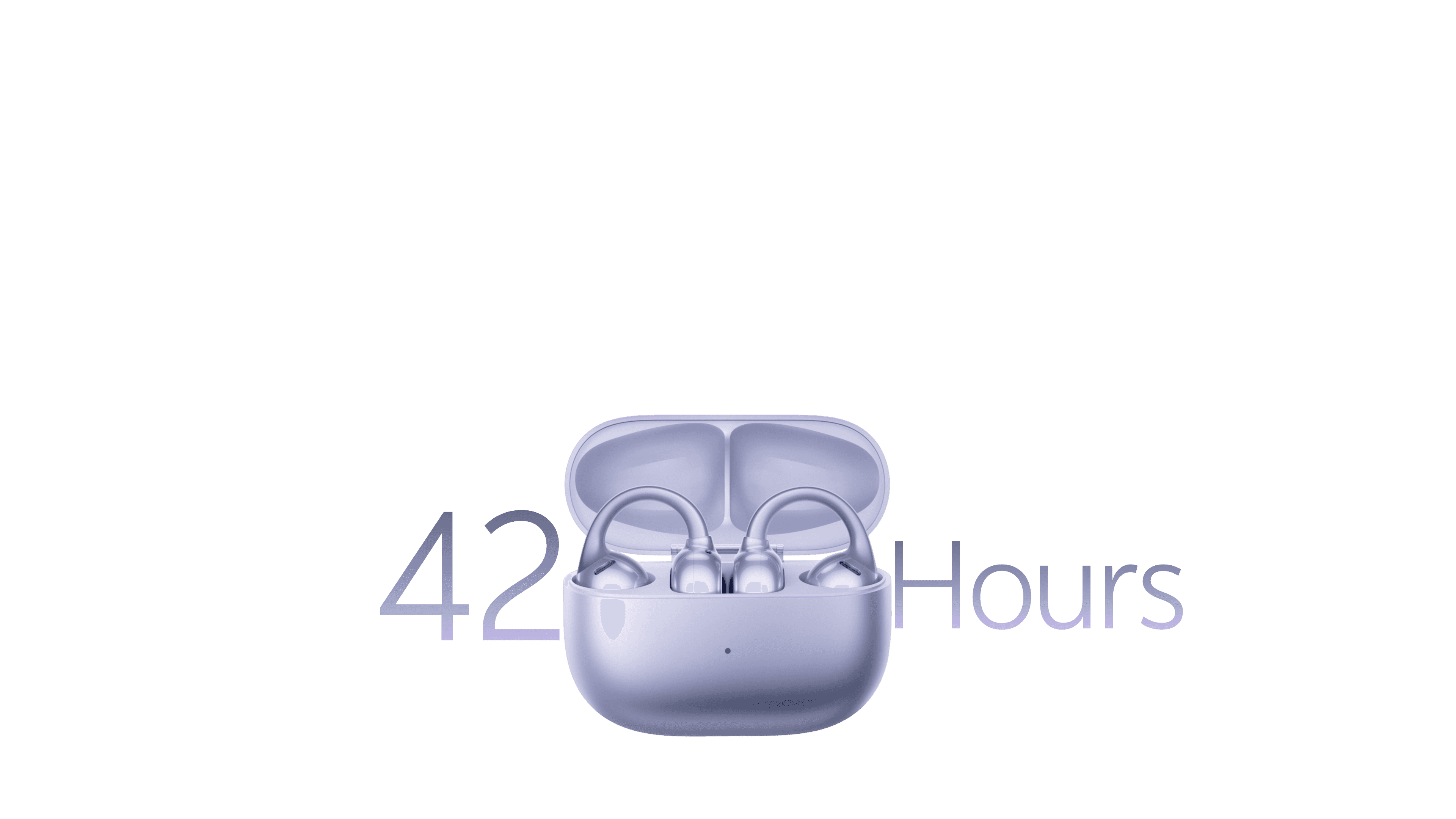
Up to 42 Hours of Battery Life
Power lasts,
music stays
with you.
music stays
with you.
Music accompanies your morning commute, workday, and evening walk. Super-Fast Charging tops up power while you get ready, so you can put your earbuds on and start listening.
Up to 42 Hours
Music Playback
8
Up to 10 Hours
Playback on a Single Charge
8
Up to 3 Hours
Playback after a 10-Minute Charge
8
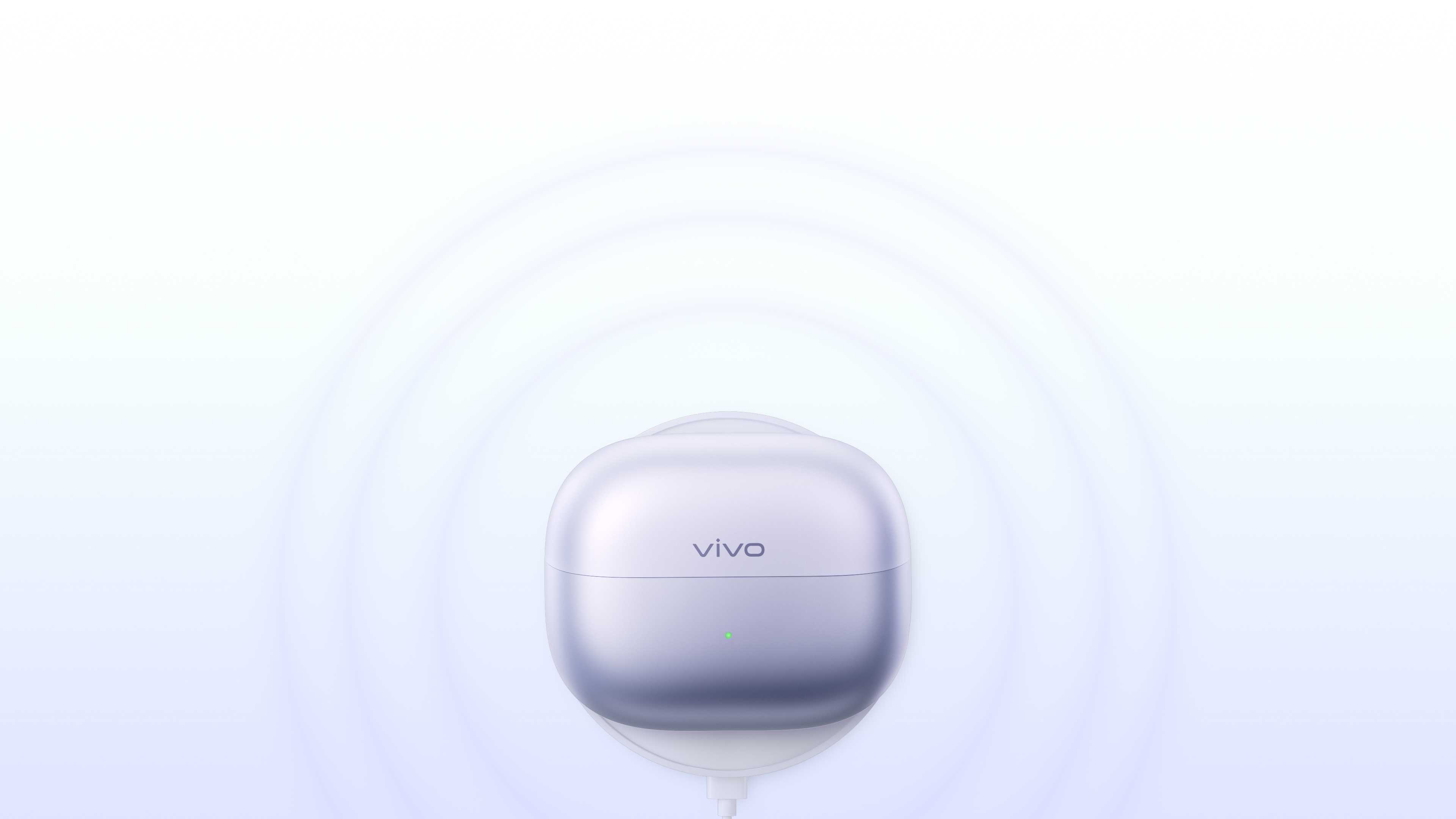
Wireless Charging9
Set it down,
power up.
power up.
Set the case on a mainstream Qi-compatible wireless charger or a compatible phone with reverse wireless charging to top up without cables.
IP55 Dust and Water Resistance10
Sweat or rain,
stay in your flow.
stay in your flow.
IP55-rated dust and water resistance helps protect the earbuds against everyday sweat, rain, and dust, supporting your listening during workouts or light rain on your commute.

Gesture Controls
Everyday controls,
right at your
fingertips.
right at your
fingertips.
Tap, press and hold, or swipe for precise control. Customize each earbud separately for more gestures suited to your habits.
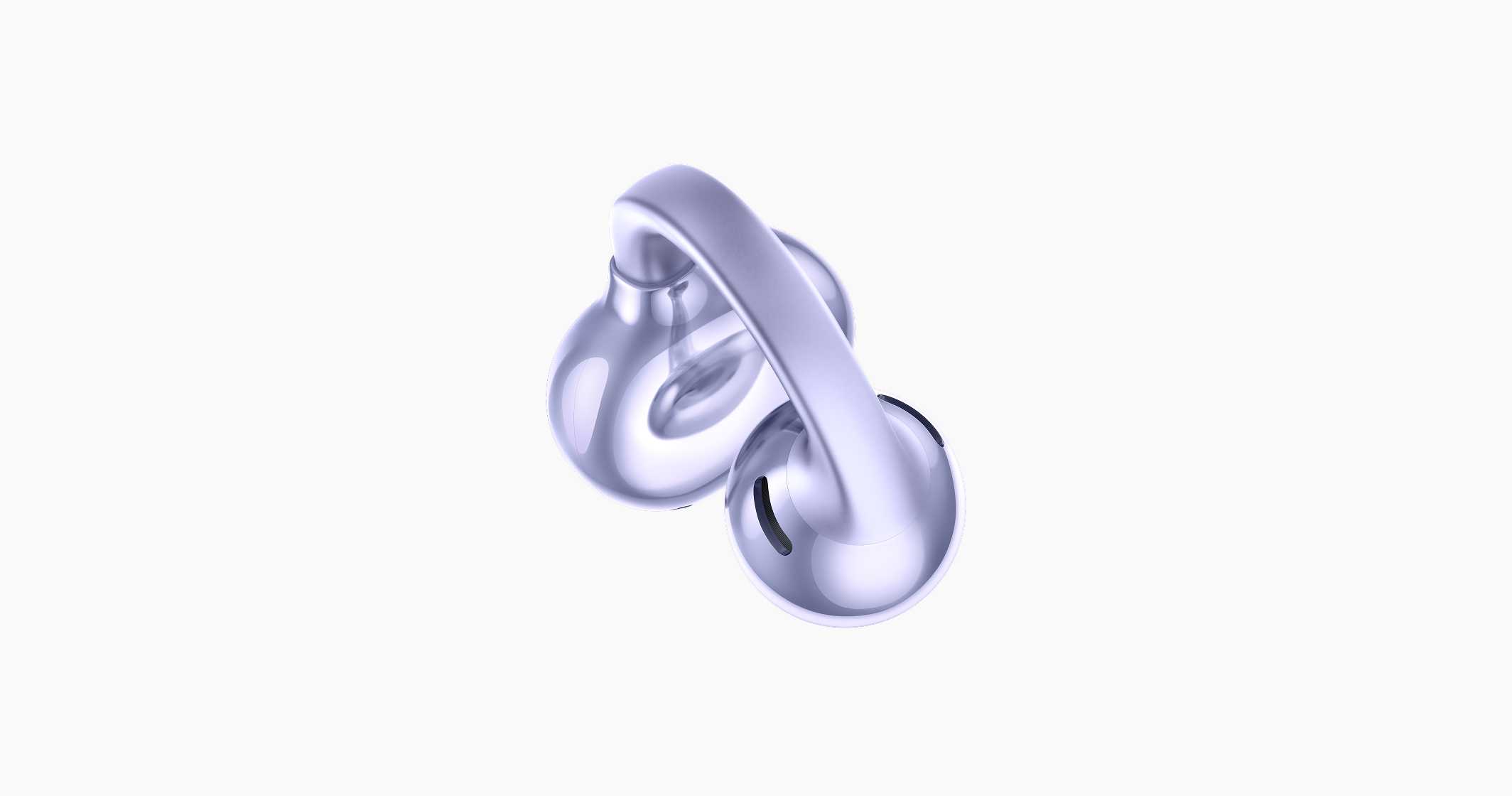
Tap
Double-tap: Play / Pause | Answer / End a Call
Triple-tap: Next Track
Triple-tap: Next Track
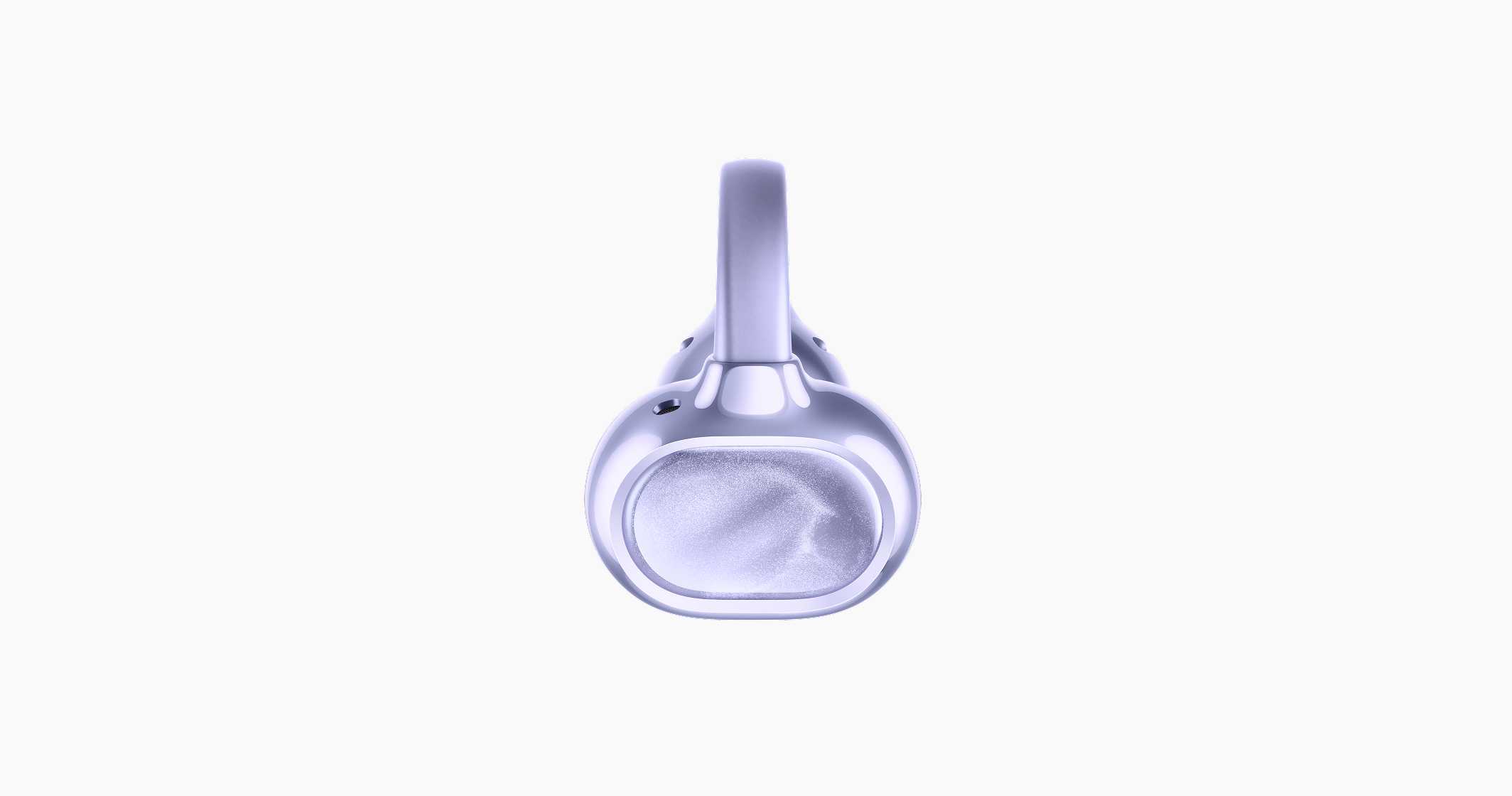
Press and Hold
Switch Sound Modes
Swipe
Adjust Volume
Double-tap: Play / Pause | Answer / End a Call
Triple-tap: Next Track
Triple-tap: Next Track
Switch Sound Modes
Adjust Volume
*Gesture customization requires a supported vivo/iQOO phone. Configure gestures under Settings > Bluetooth > Device Details. Touch and tap controls respond only when the earbuds are being worn.
Convenient Controls
Small tasks, easily handled.

Remote Camera Control11

Voice Assistant12

Find Earphones13

Effortless Device Management

Wear Detection

Earphones Drop Alert
Personalized Pop-Ups
Open the case, see what you love.
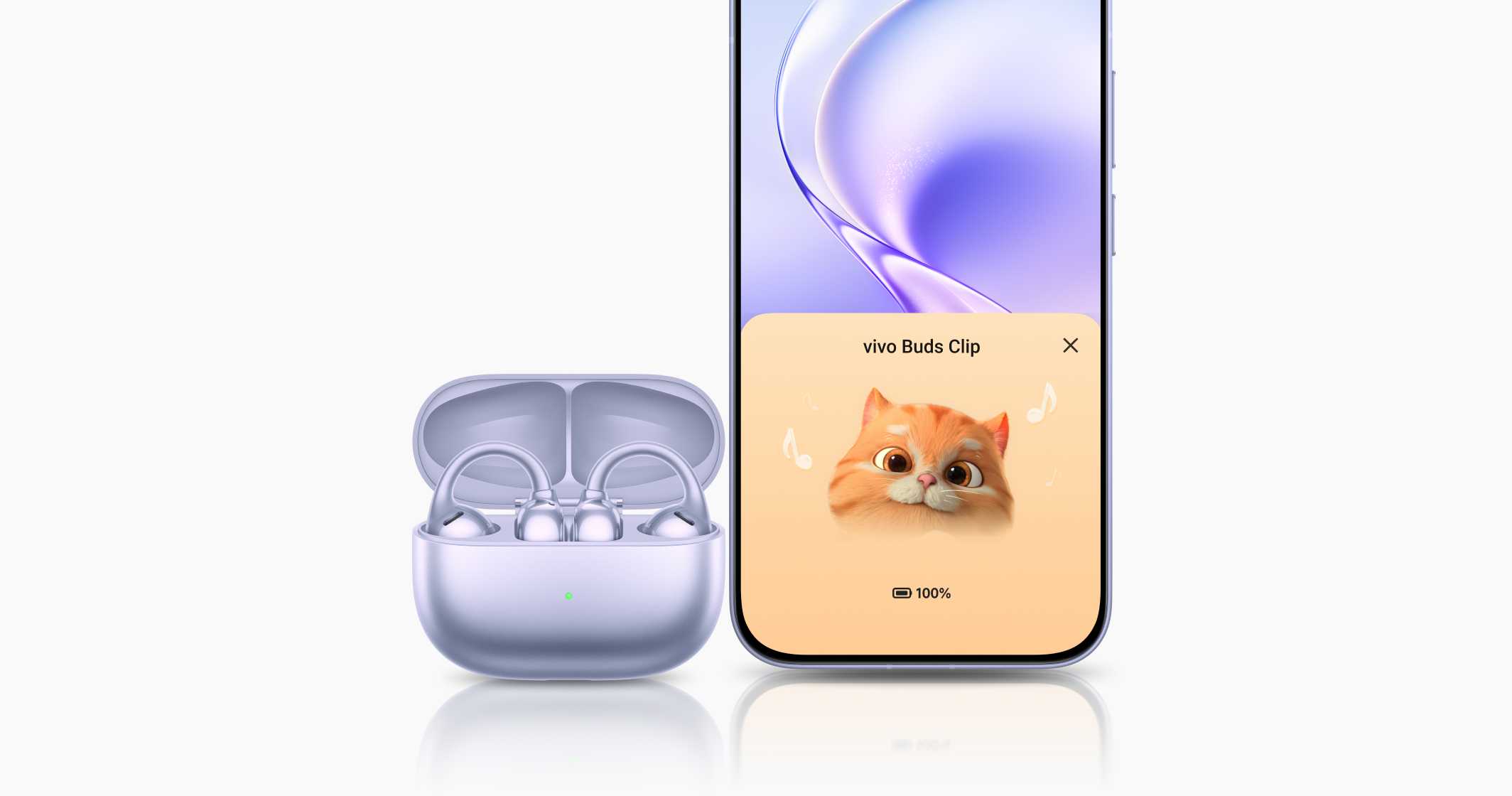
Pet Theme Pop-Ups14
Six adorable animated pet companions add charm to connecting and brighten your listening.
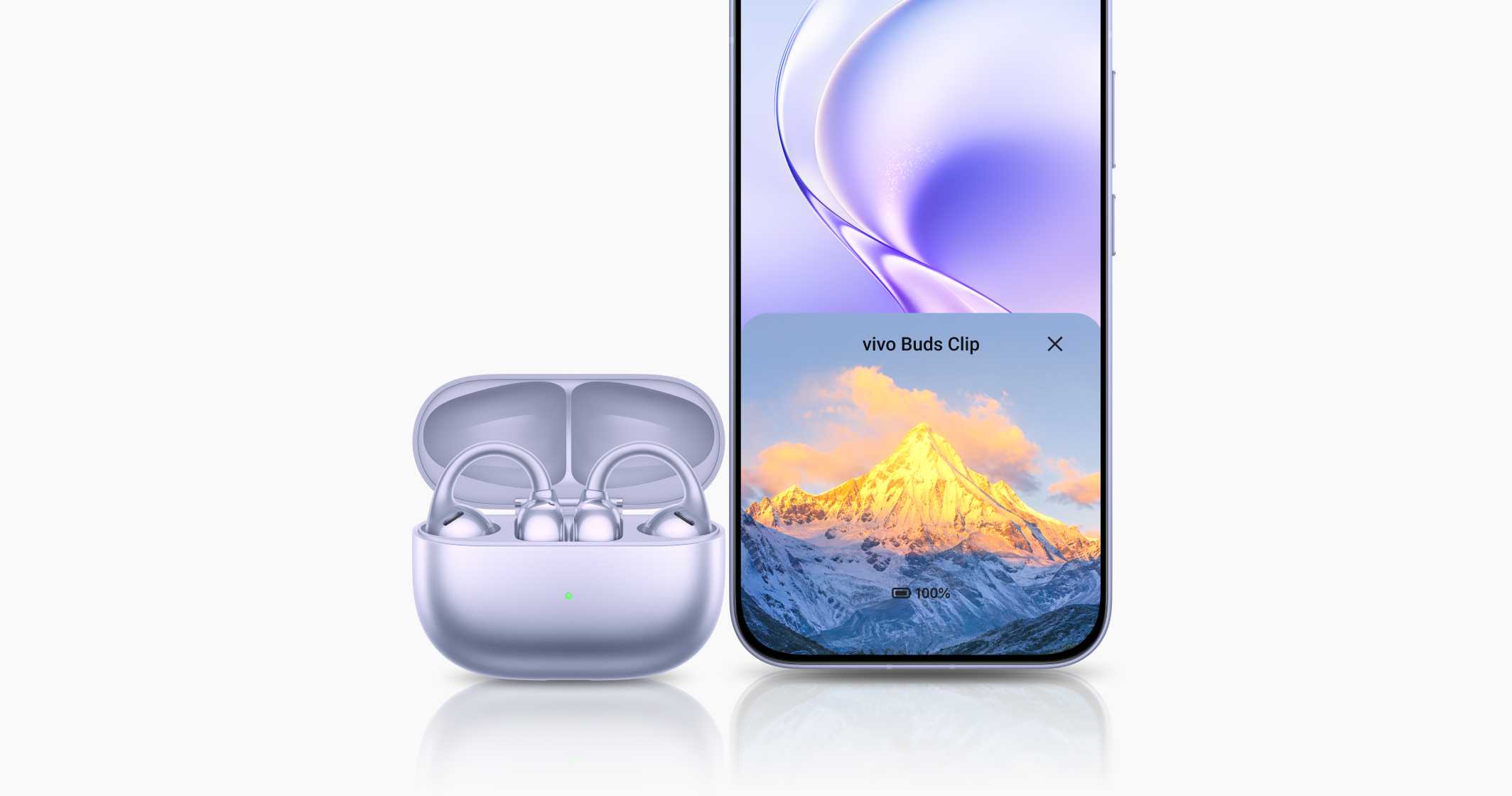
Customizable Themed Pop-Ups15
Upload a favorite picture in a few taps for a personalized pop-up that reflects your style.